


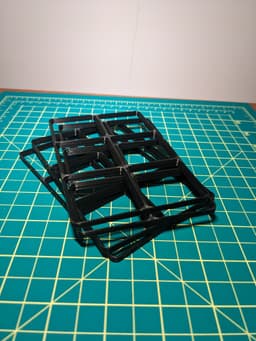

Gridfinity Stack Printing baseplate
If you get value from my work, consider supporting me at stu142.com/supportme
More sizes are available here. Due to the large file sizes I didn't want to inculde them all in this listing where individual downloads are not possible
These Gridfinity baseplates are stacked and oriented so that you can print multiple at a time with no support. The baseplates easily break apart after printing.
The first is right side up then the rest are upside down to eliminate overhangs.
Important Note:
The success of this print can be heavily dependent on slicer and printer factors and may take some trial and error to get it right. The model has been designed for 0.2 mm layers and 0.4 mm nozzles with a one-layer gap between pieces to help break them apart after printing.
A flat head screwdriver can help separate parts but be gentle.
These baseplates deviate slightly from the original Gridfinity spec (0.1 mm wider bin slot), but that will have no effect, and they are fully compatible.
Gridfinity Documentation if interested: https://stu142.com/Gridfinity-Documentation/
My Print Settings:
- NO Supports
- Ironing Set to all Top Surfaces
- 3 perimeters
- 0.2 mm layer height
- 0.4 mm nozzle
- Brim if having bed adhesion troubles
Materials Used (Affiliate):
Alternative Material Options:
- Polymaker Polyterra PLA: Amazon
Gridfinity Stack Printing baseplate
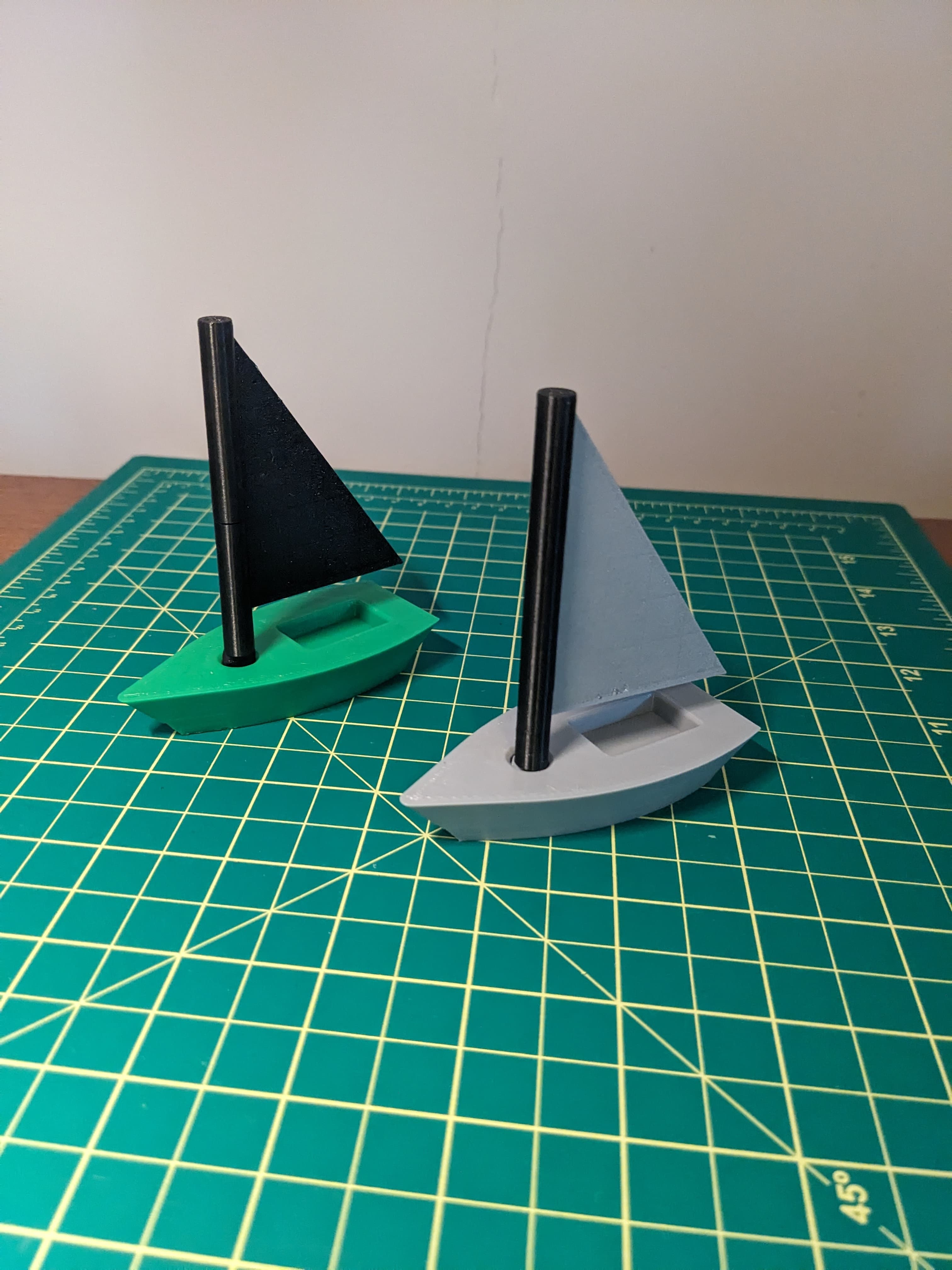
Mini Sailboat Laser
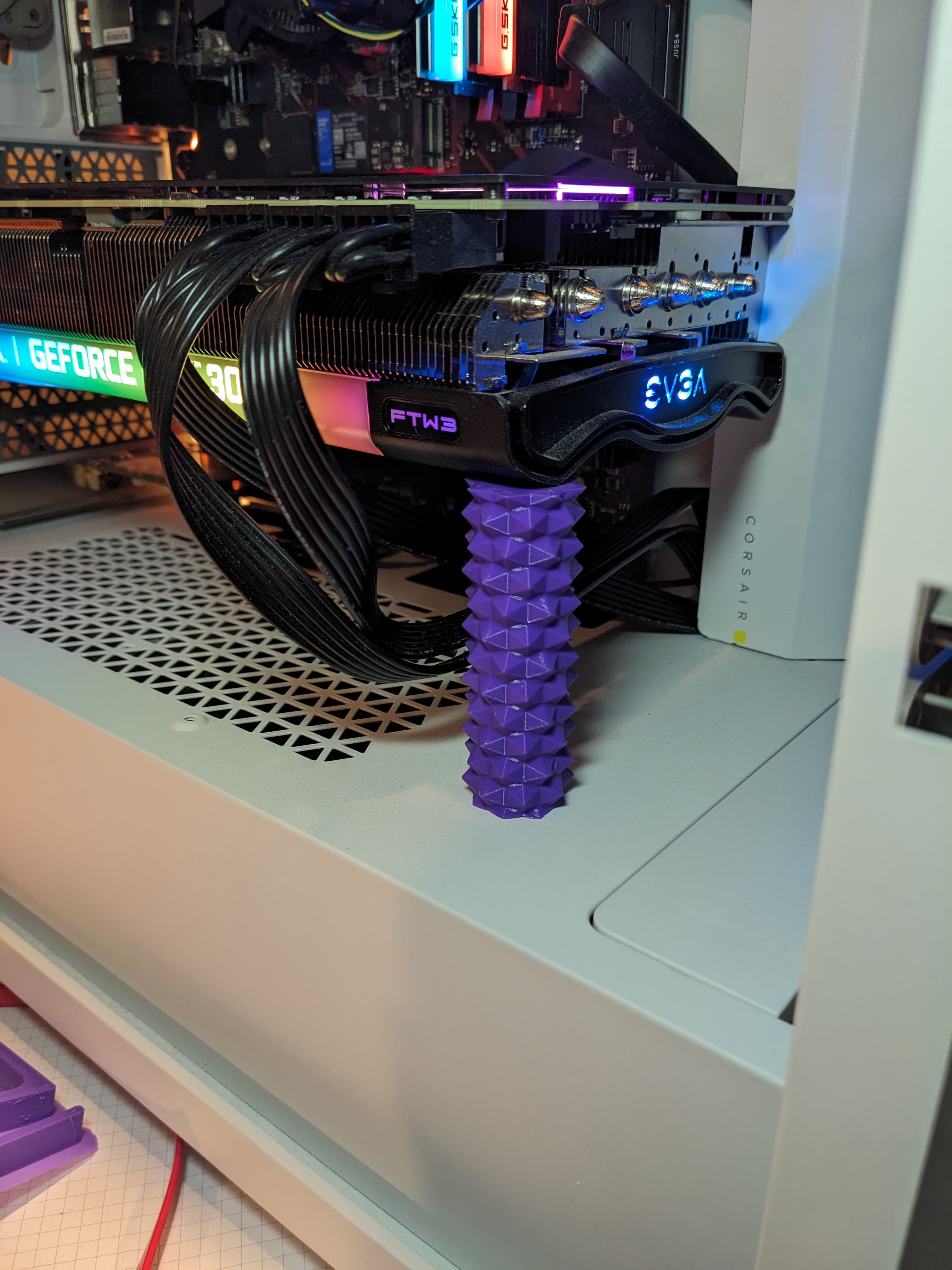
GPU Support Hexagon
GPU Support Hexagon CAD Files
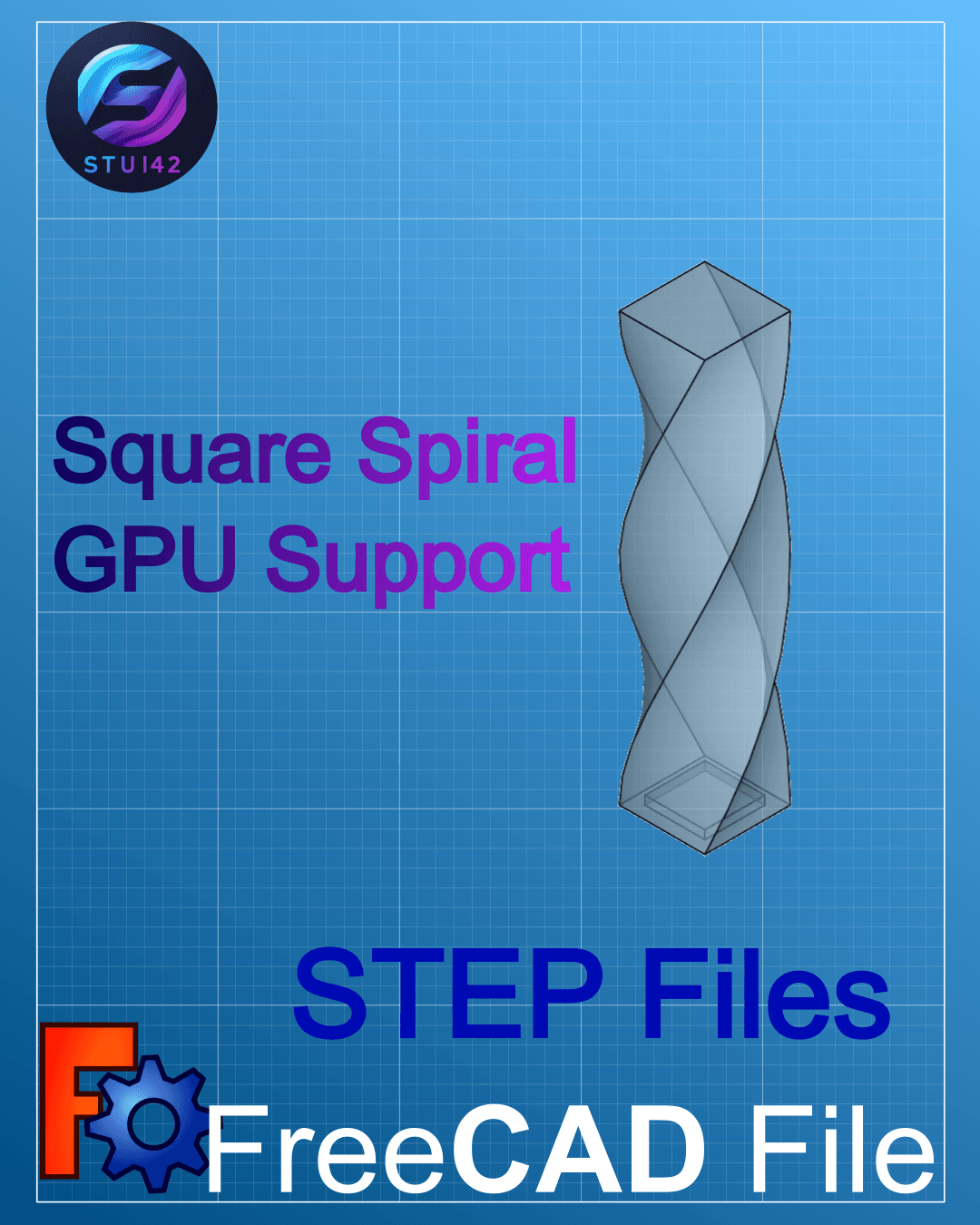
GPU Support Square Spiral CAD files
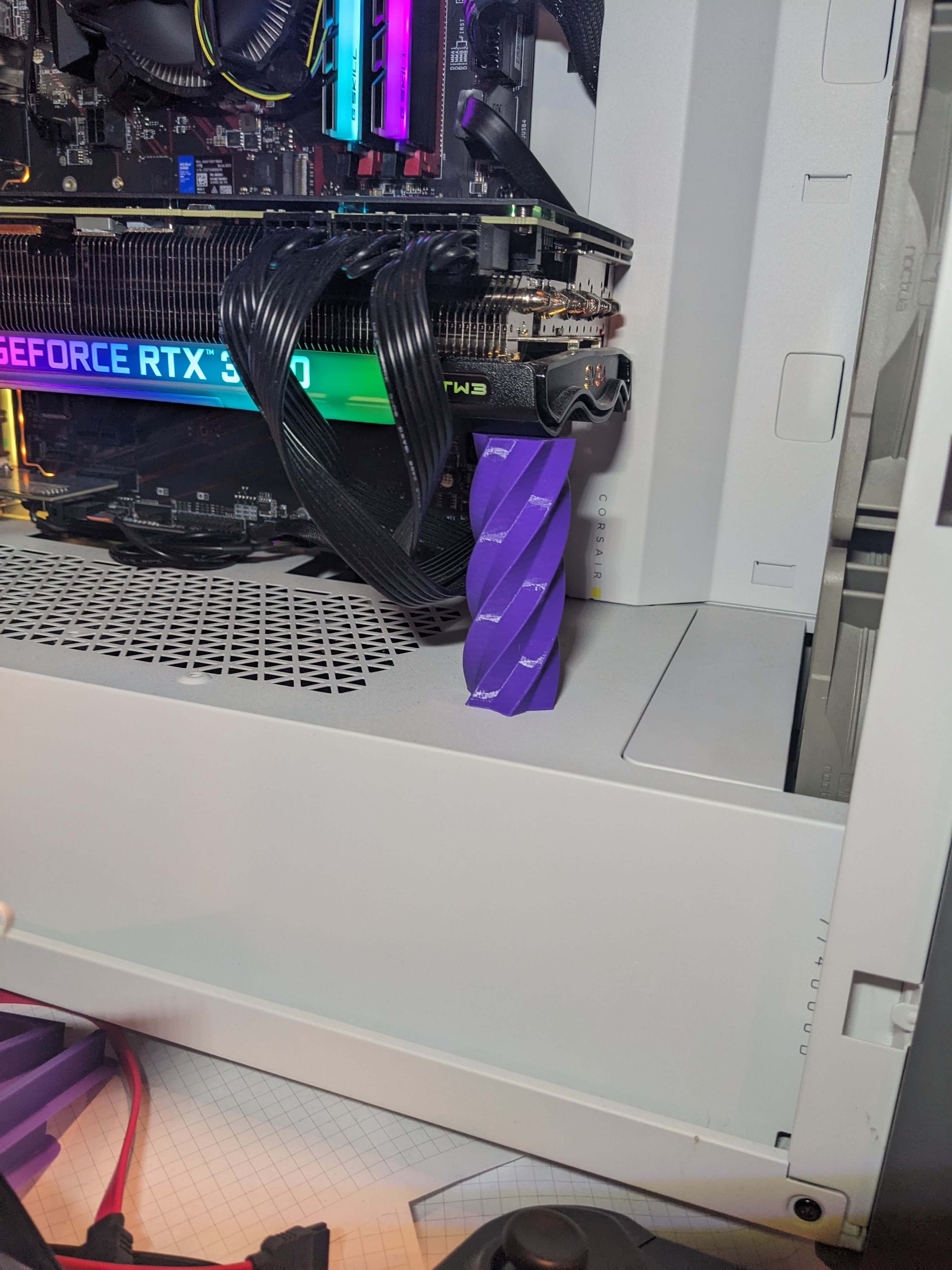
GPU Support Star Spiral
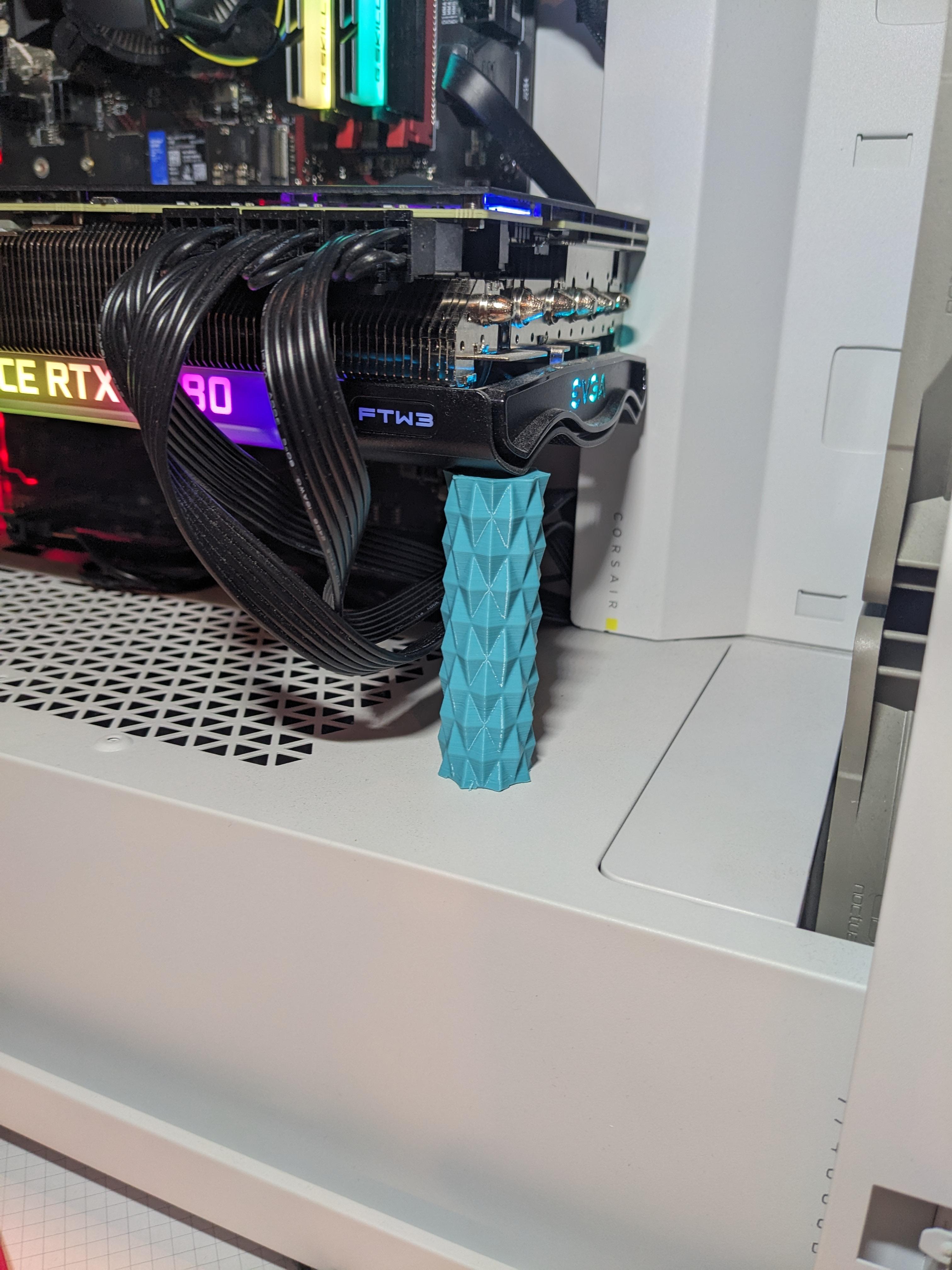
GPU Support Triangle Pattern
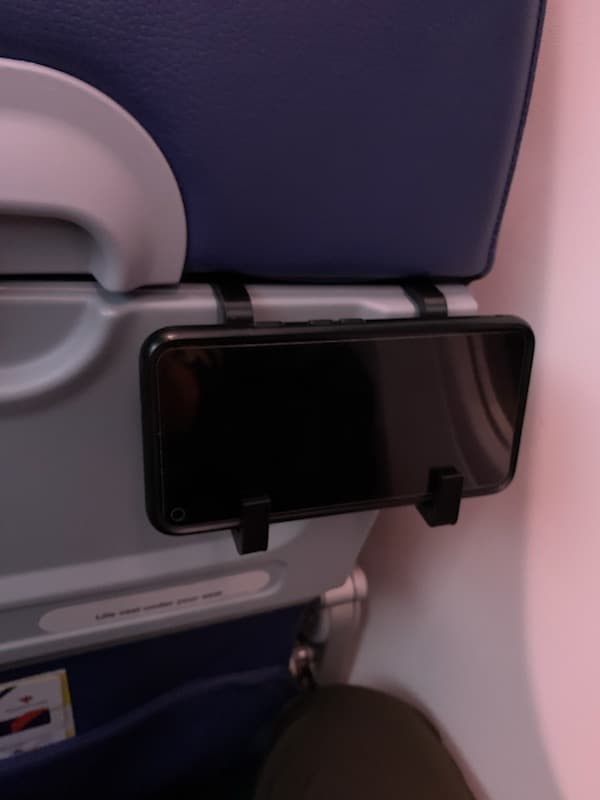
Airplane Phone Holder
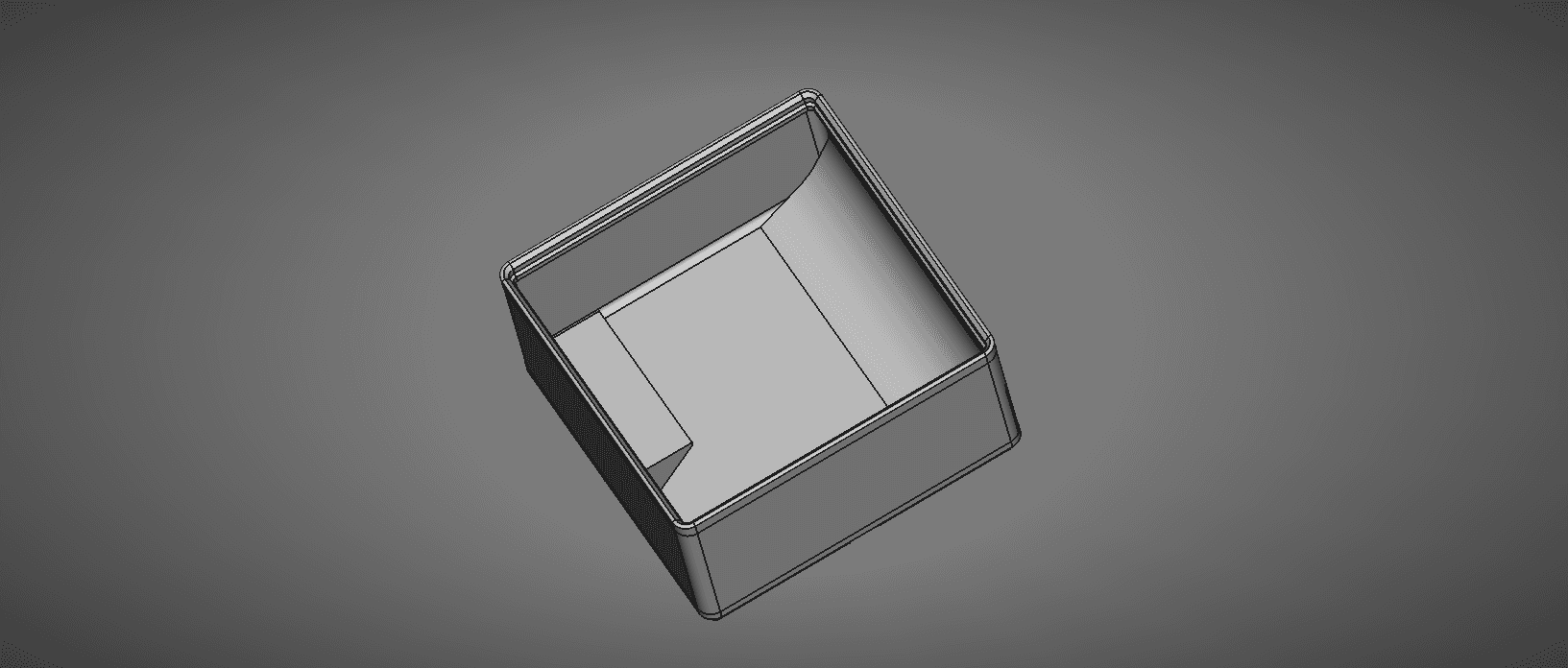
FreeCAD Gridfinity Parametric Storage Bin
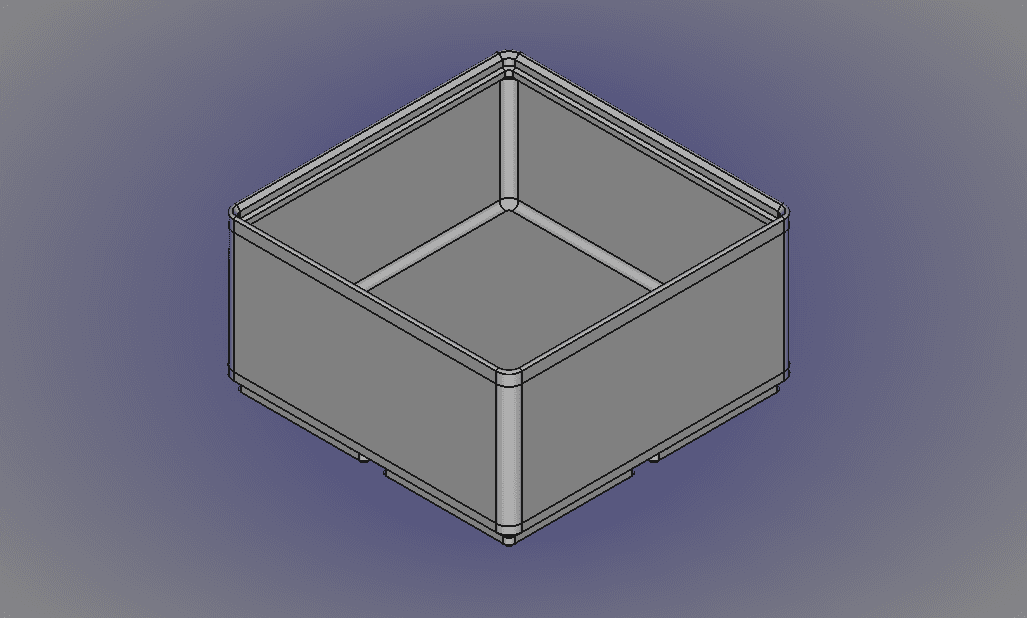
FreeCAD Gridfinity Parametric Simple Storage Bin-Body.stl
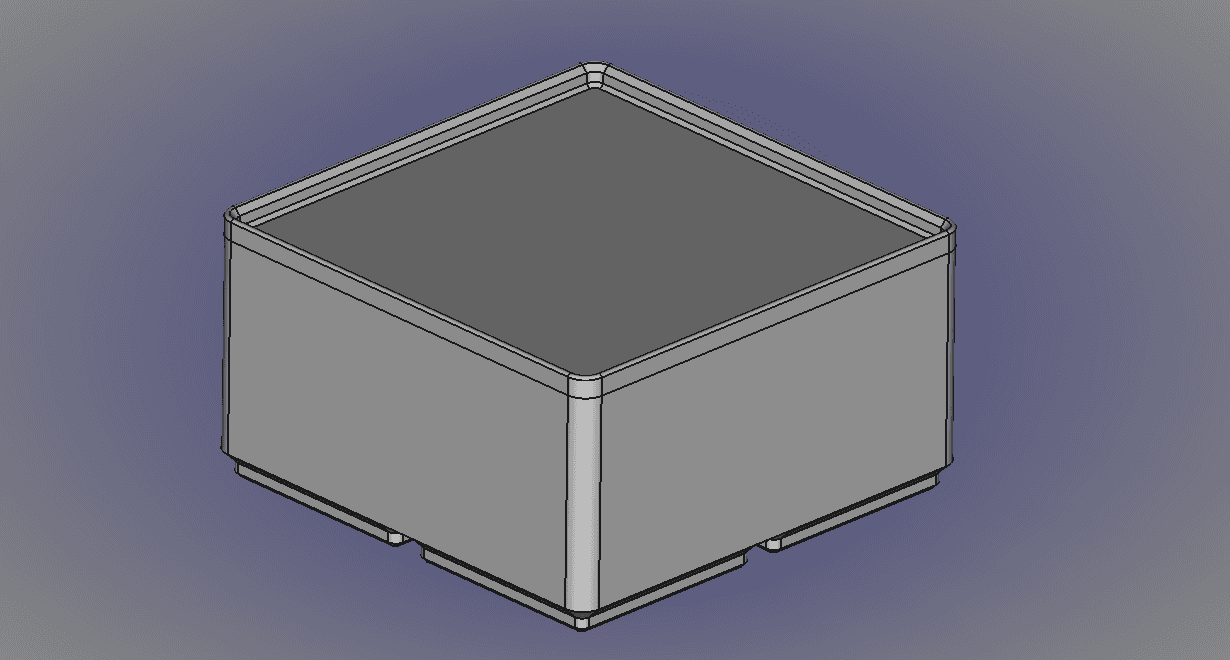
FreeCAD Gridfinity Parametric Bin Blank.stl
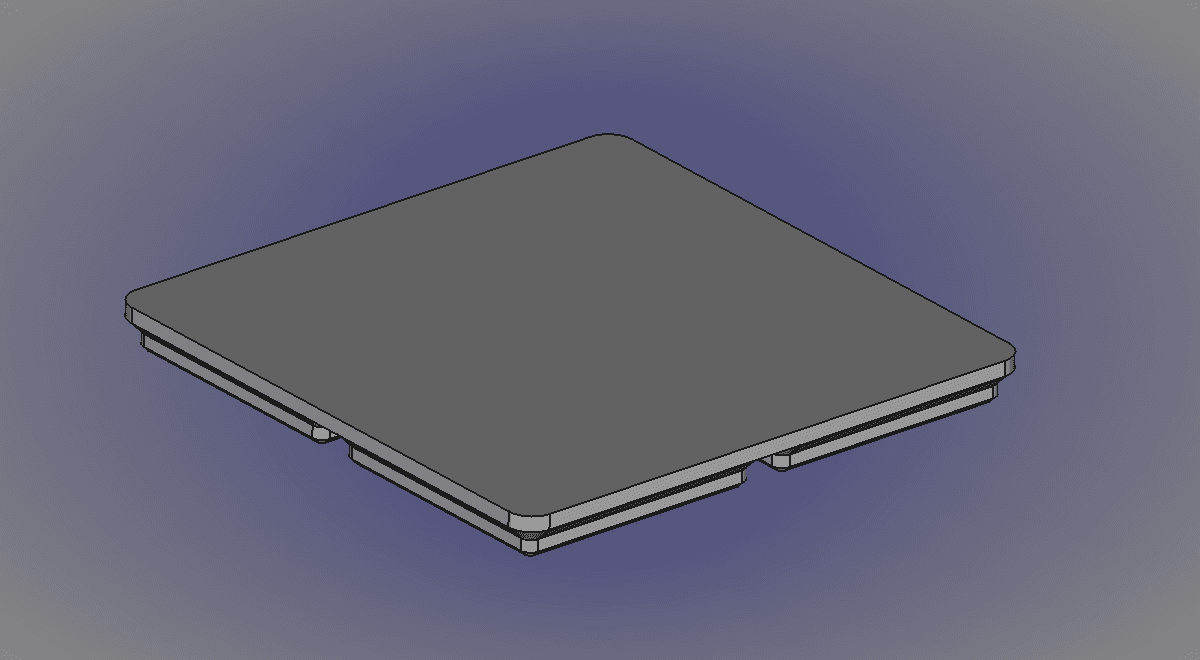
FreeCAD Gridfinity Parametric Bin Base Blank-Body.stl
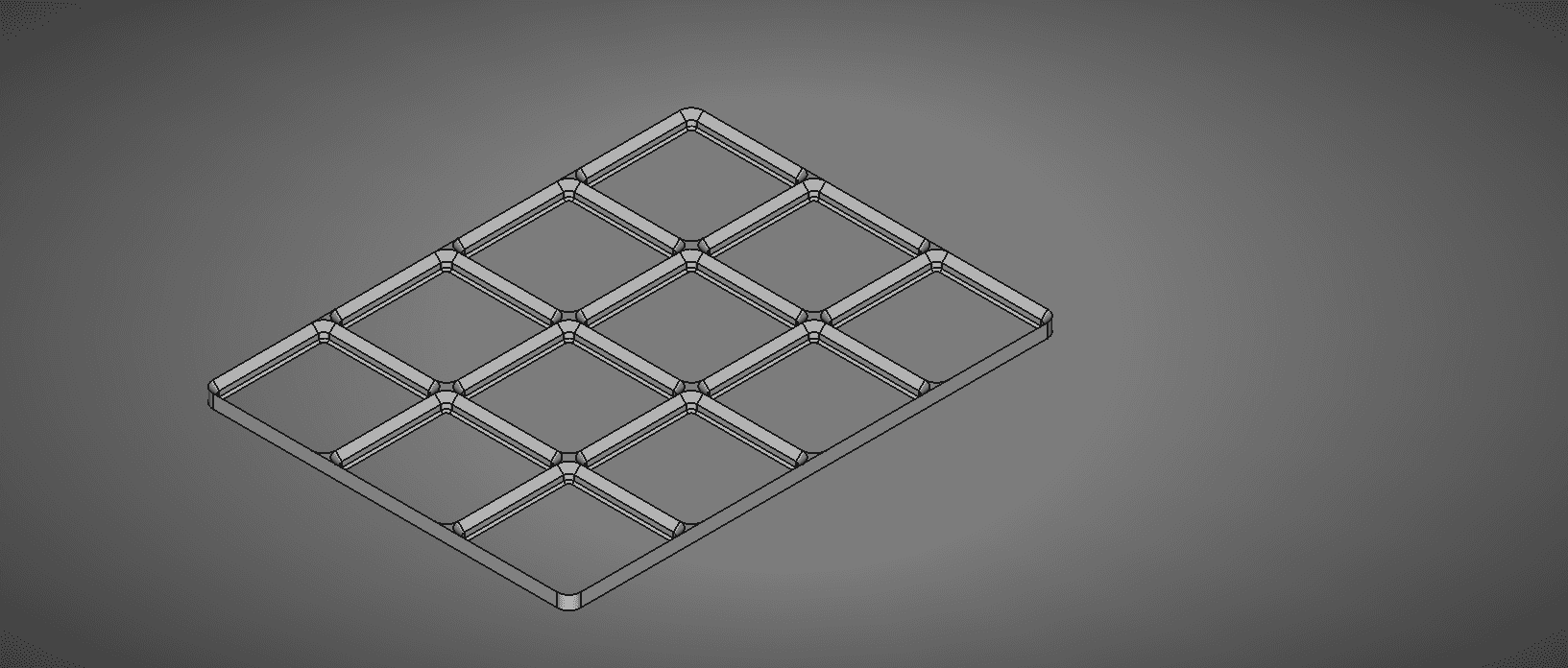
FreeCAD Gridfinity Parametric Baseplate
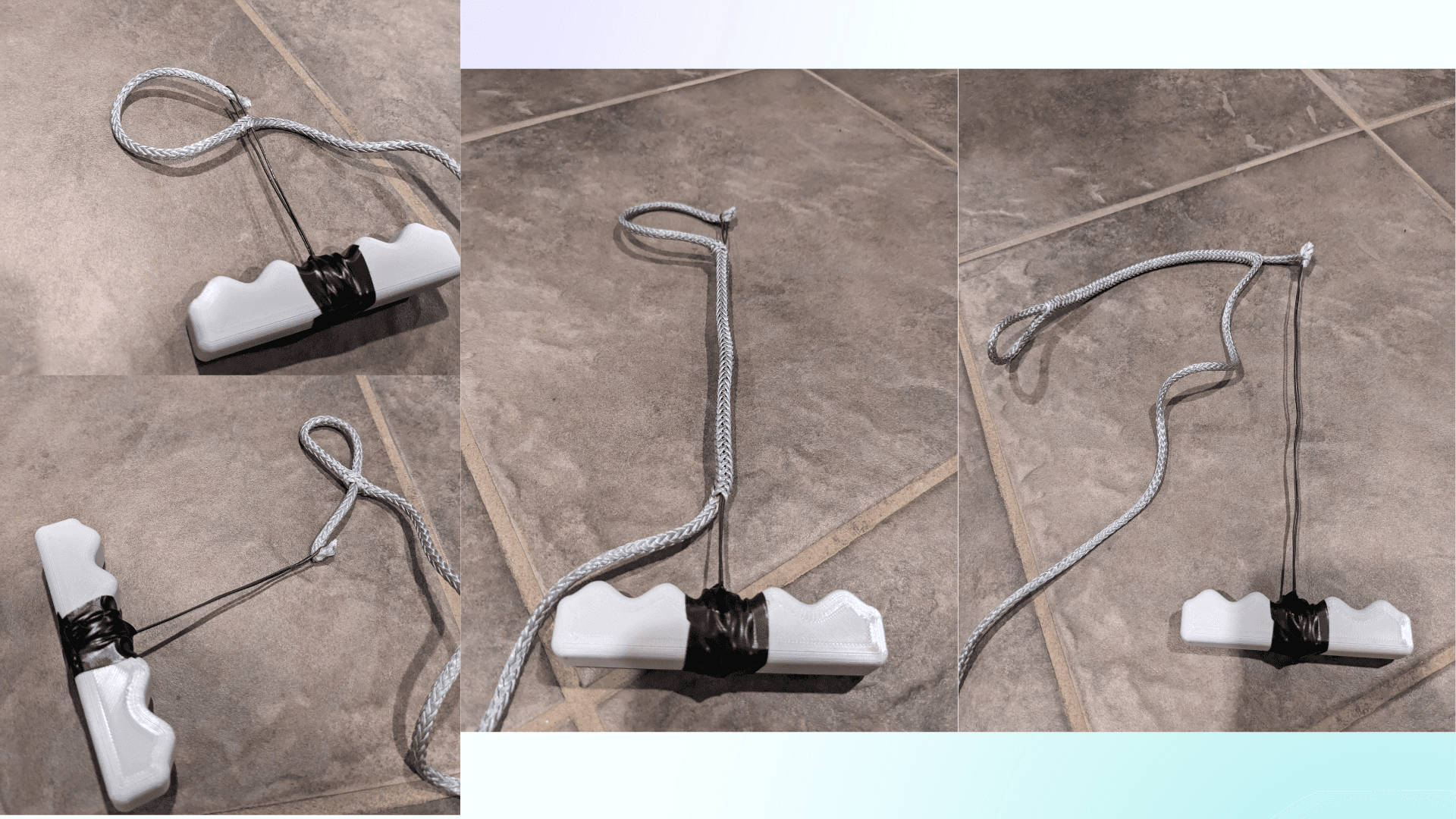
Pull Fid Rope Splicing Tool.stl
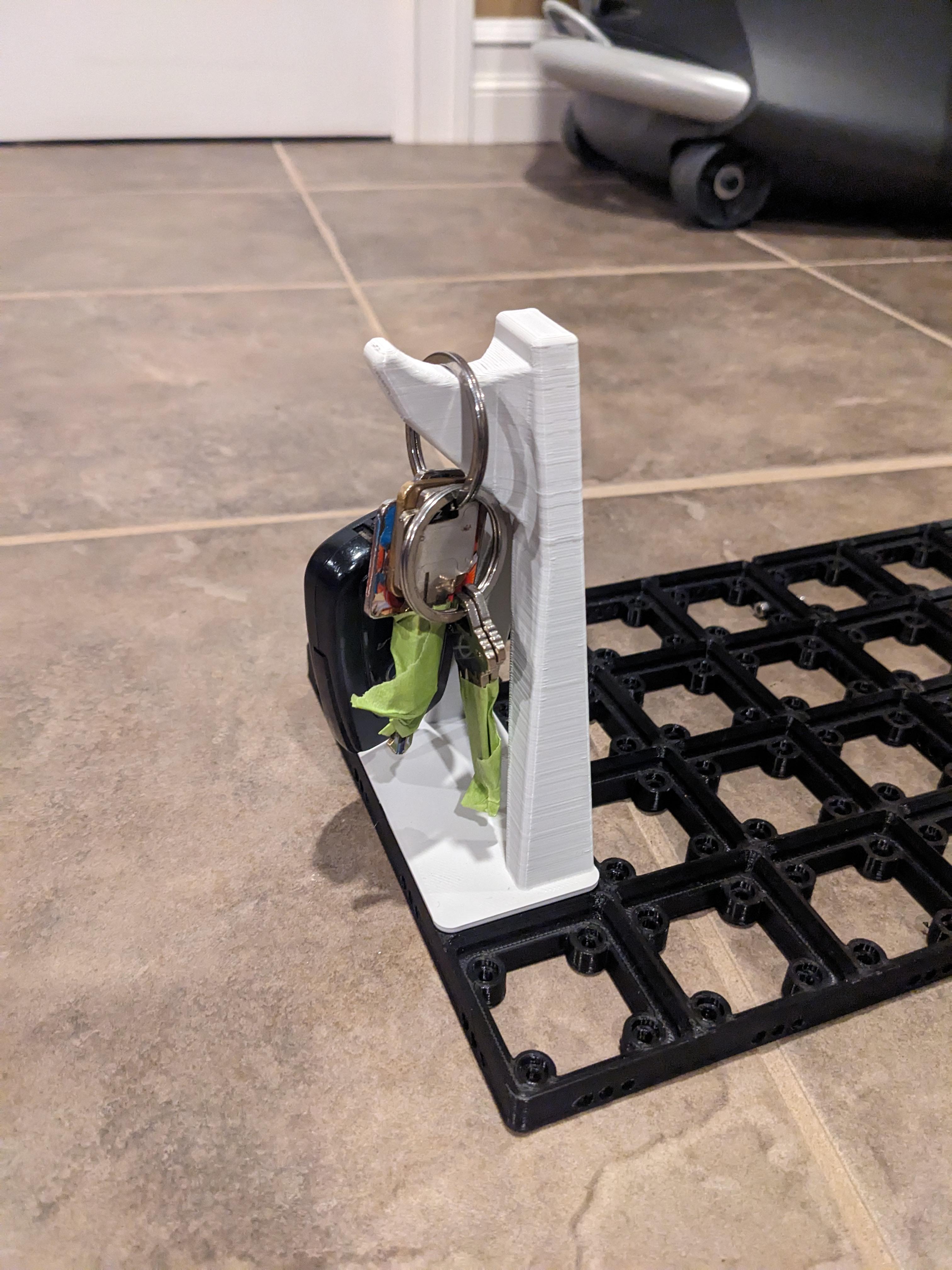
Gridfinity Key Hook
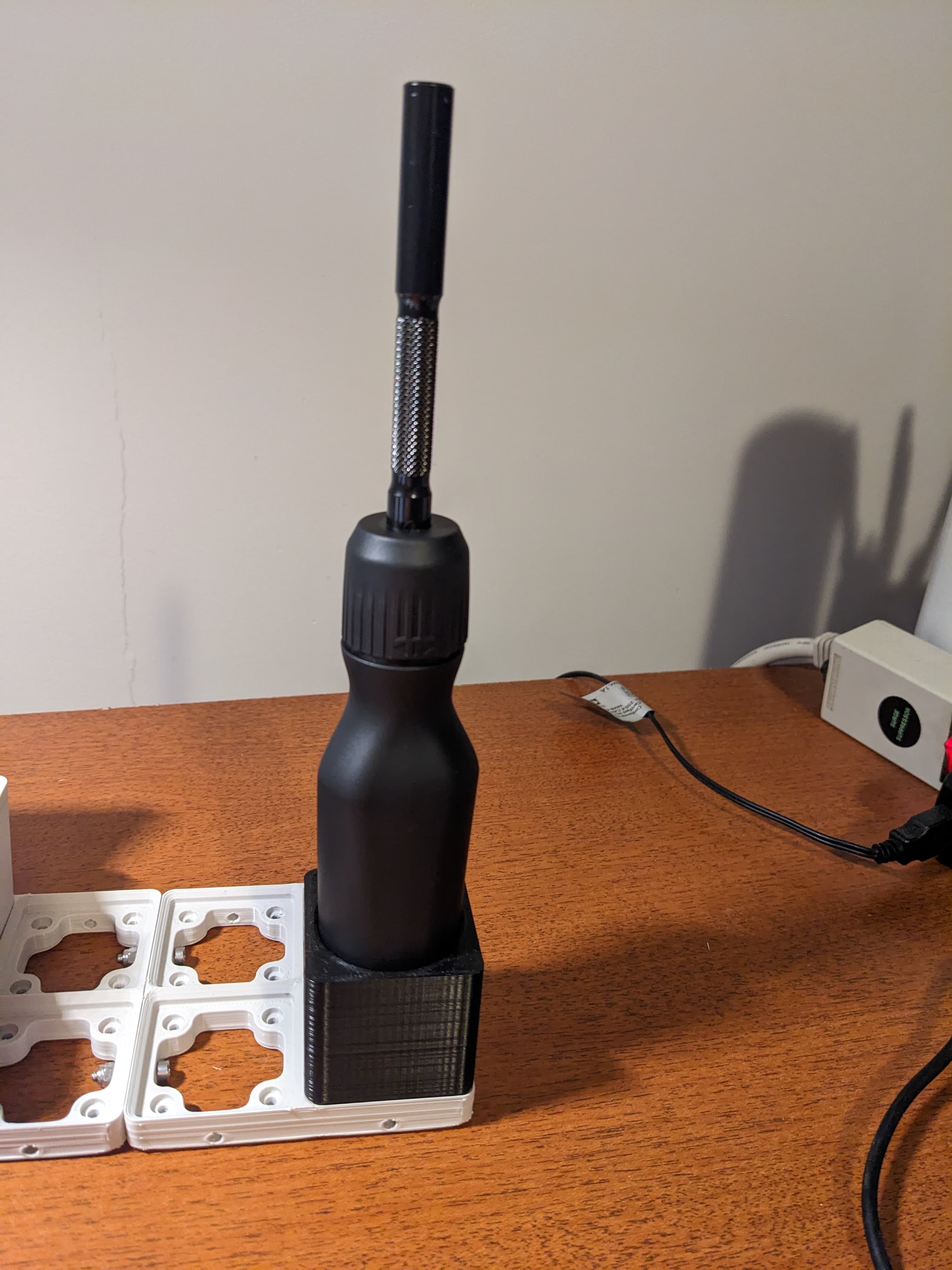
Gridfinity LTT Screwdriver Holder
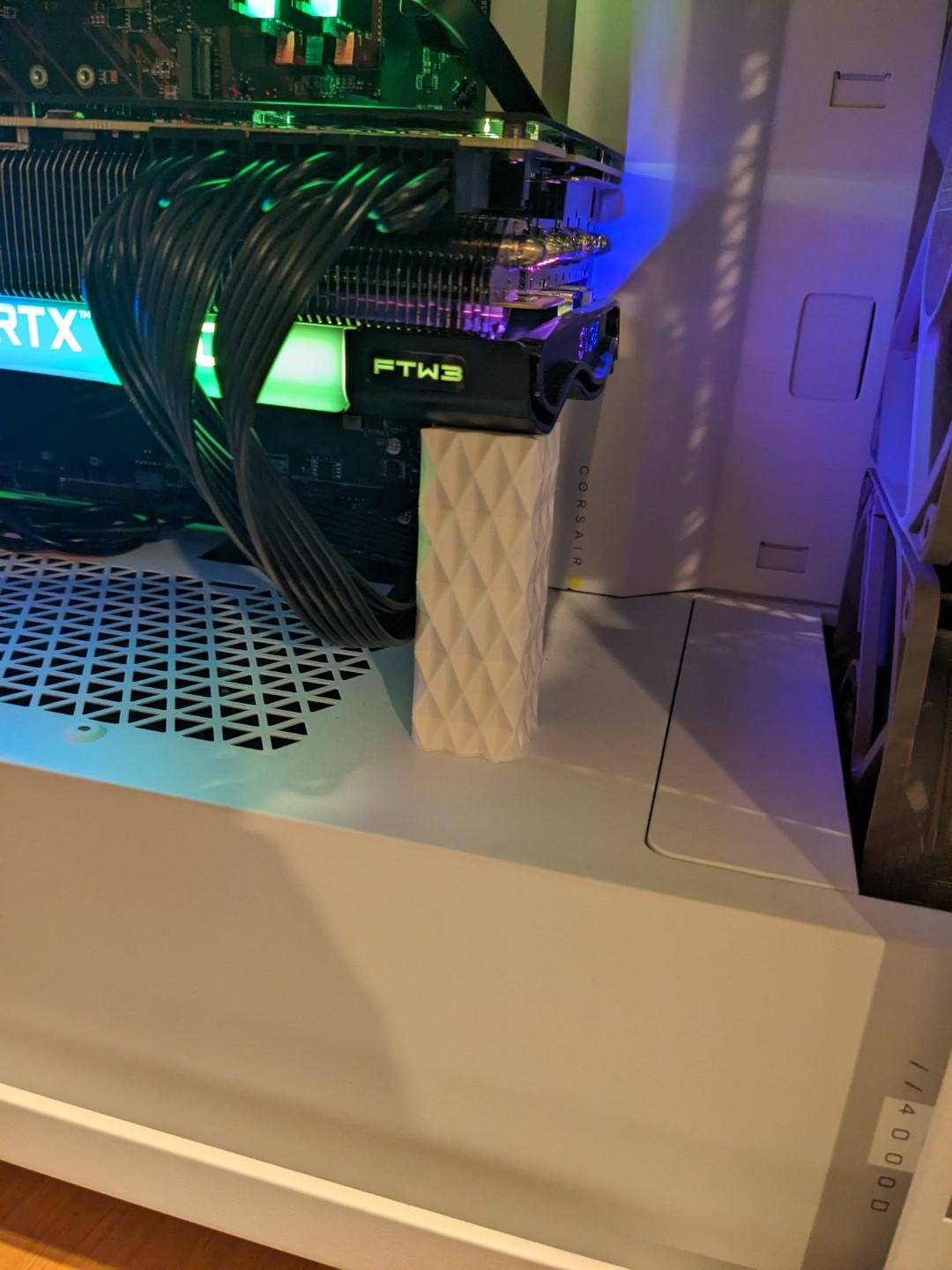
GPU Support
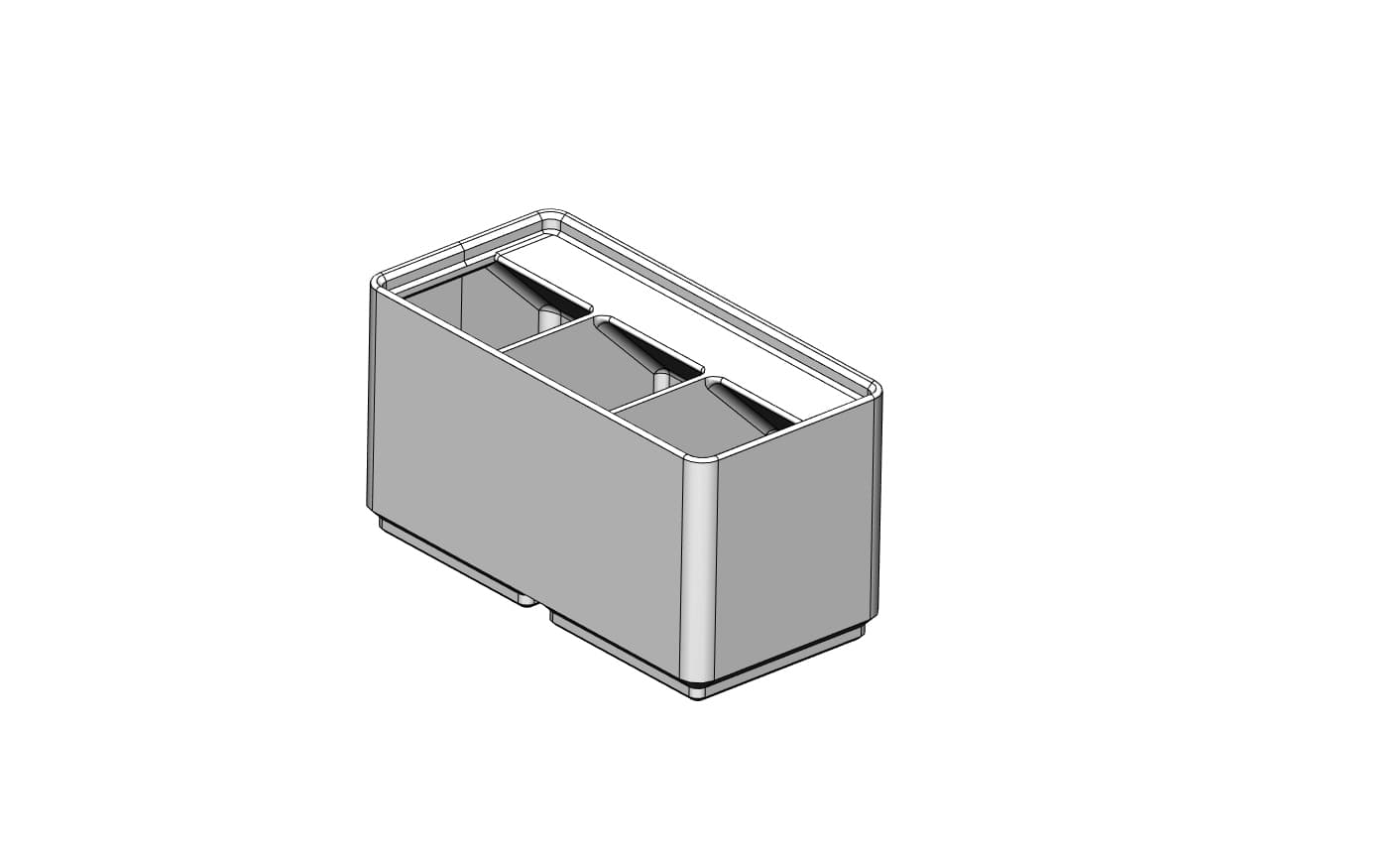
Solidworks Gridfinity Parametric Bin
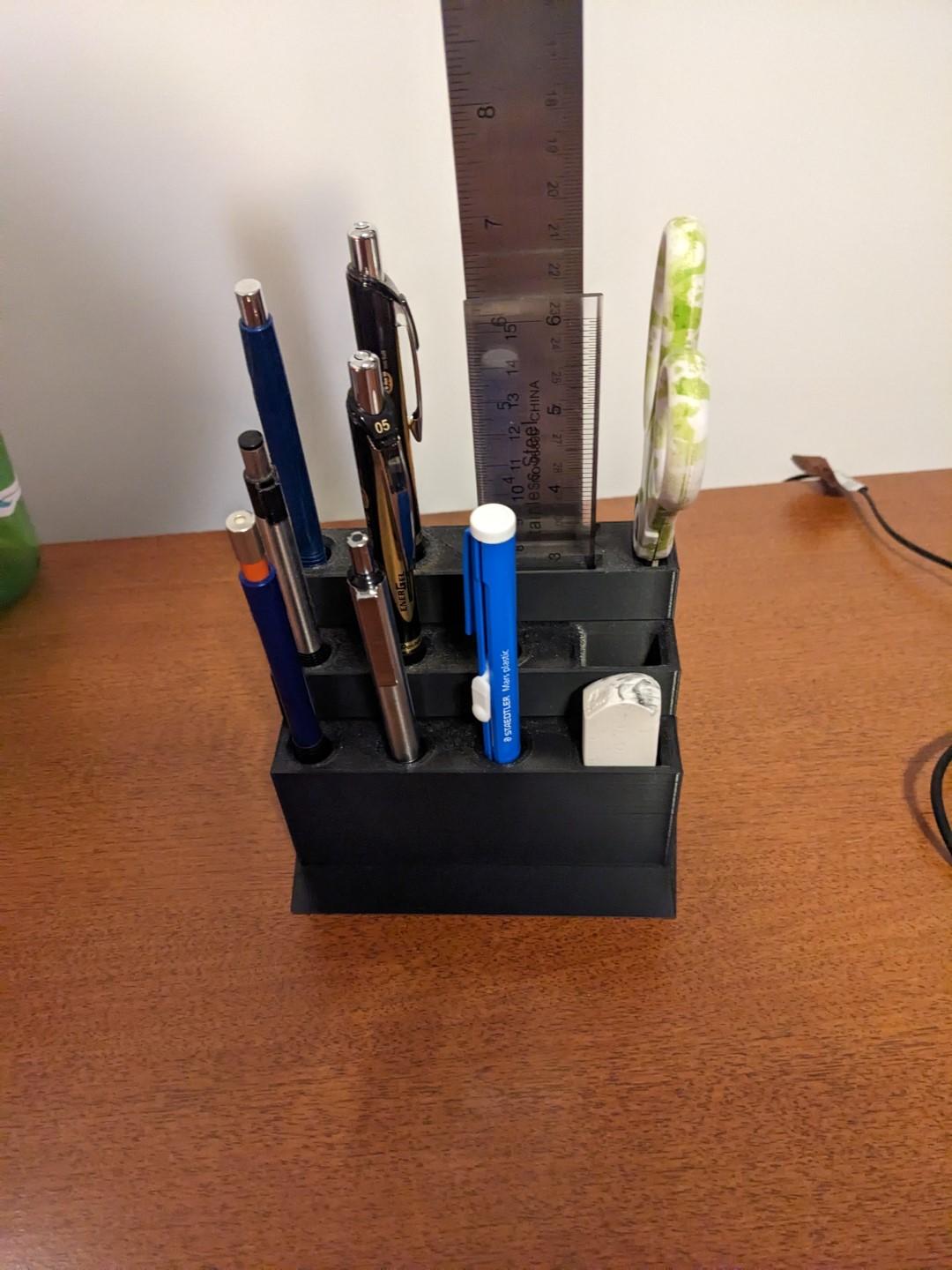
Desk Organizer
.jpg&w=3840&q=75)
Bed Handle for Ender 3
When I slice the model in Orca slicer I get an error about floating regions. Can I just ignore this and print it or will this cause issues?
I would like to do this with my own custom sizes. How do you model these stacked?
I used FreeCAD and after modeling the first baseplate mirrored it. then patterned the mirrored one. I have a FreeCAD baseplate file on here where you can adjust the value in the spreadsheet. Alternatively you could use a generator such as the FreeCAD Gridfinity Workbench, Fusion 360 Gridfinity Plugin, or perplexing labs online gridfinity generator.